

Tasks
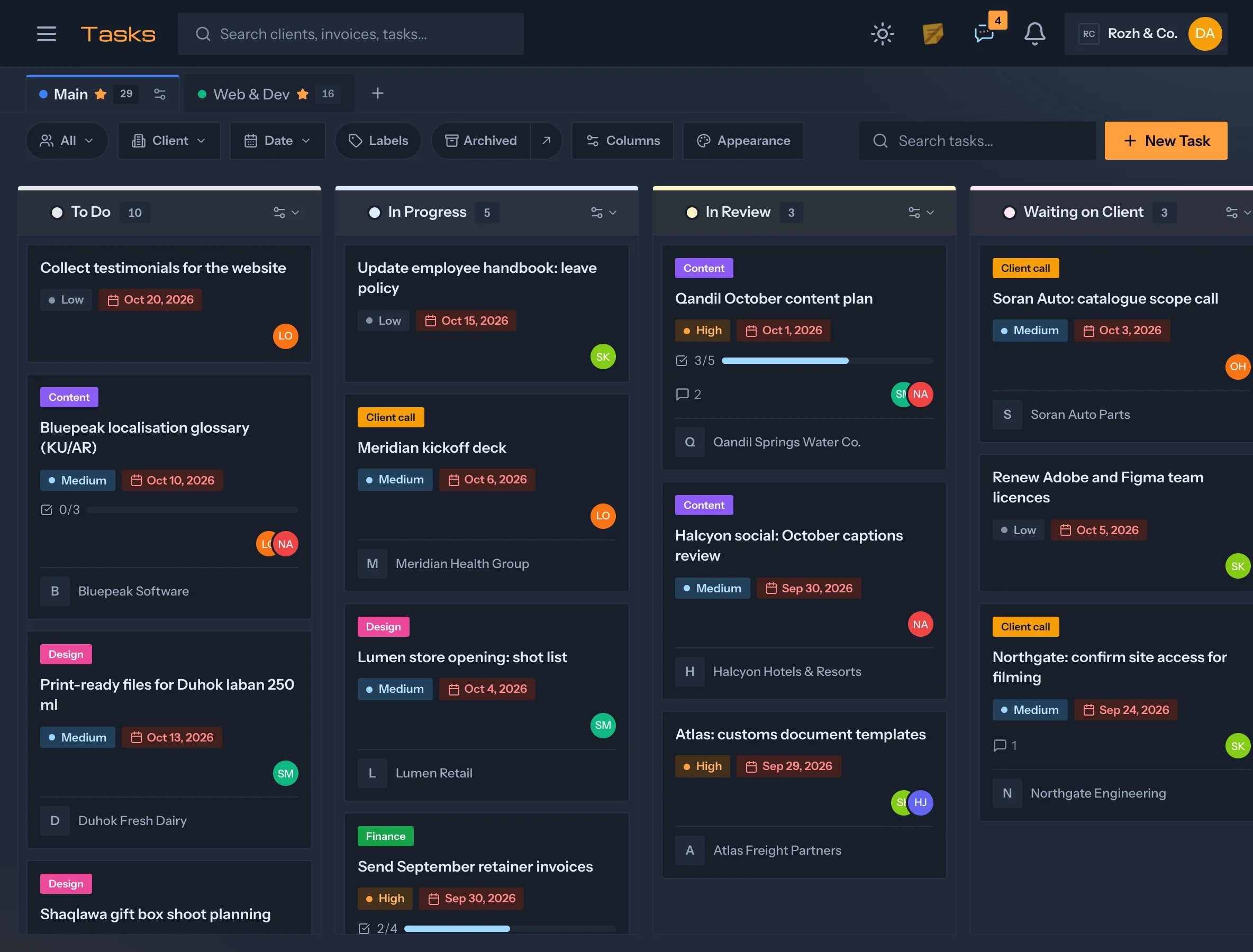
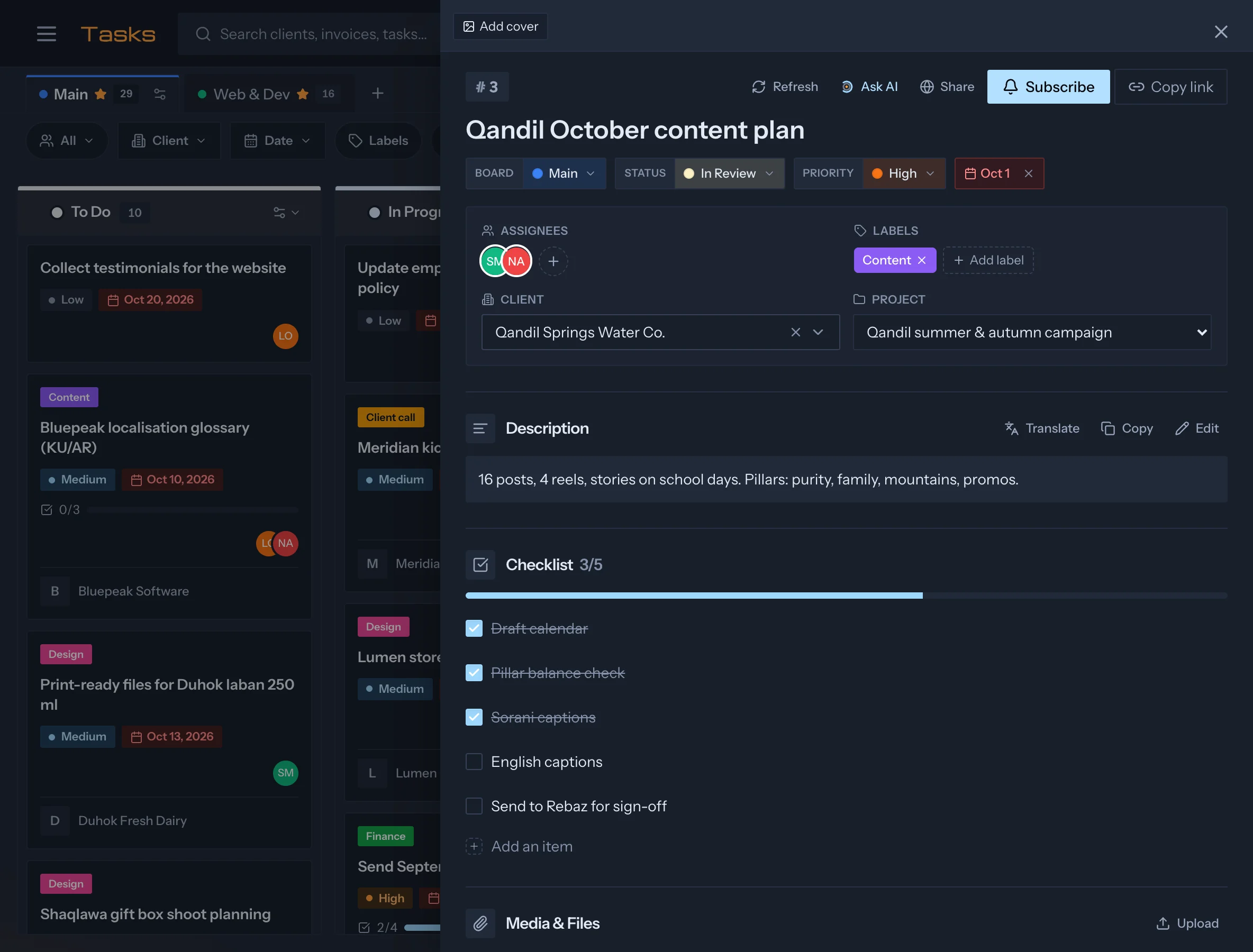
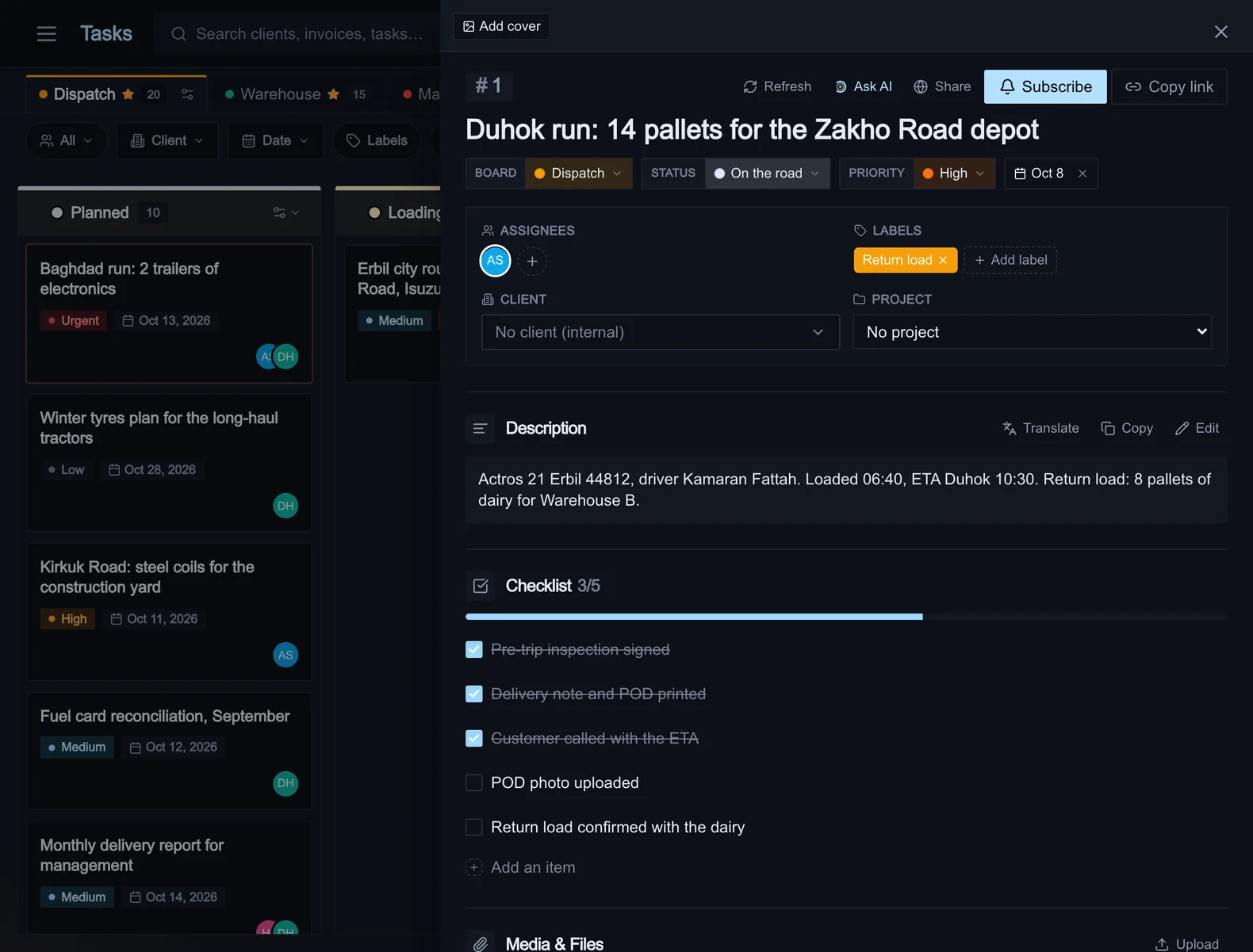
Boards for the work, checklists for the steps, a due date on the calendar. Tasks arrive by hand, from a forwarded WhatsApp message or email, from a meeting note, or from the assistant.
Features
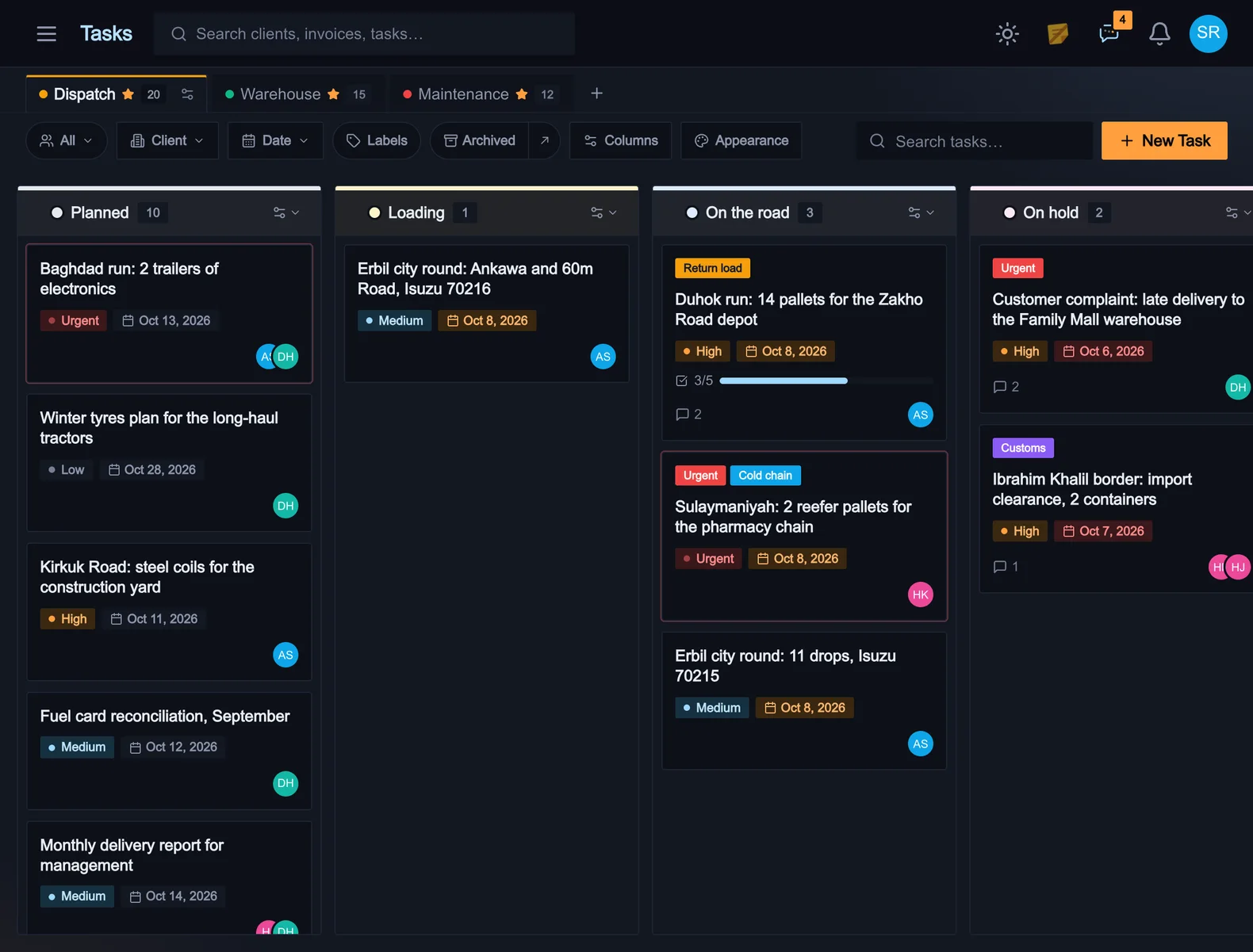
Boards
Each board has its own columns, labels and column rules. A column can set the assignee, the client and the priority of whatever lands in it.
Intake
A forwarded WhatsApp message or email is filed as a task with its photos attached. The assistant tidies the title and the checklist.
Permissions
A client or a freelancer sees one board and nothing else. Assignment still reaches them.
Notifications
Assignment, comments and due dates reach the people on the record, in the app, by email and on the native apps. Quiet hours apply to email only.
Links
A task carries its client and project and shows on both. Its due date is on the calendar.
Sharing
A task can be shared with someone outside the workspace by a link that shows that task and nothing else.